Stop-motion: one picture at a time
A paper circle moves in small steps. Many separate pictures can show movement when played back.
The short answer
In stop-motion, an object moves a little between photographs. Showing the images quickly in sequence creates the impression of movement. Small regular changes and a steady camera help.
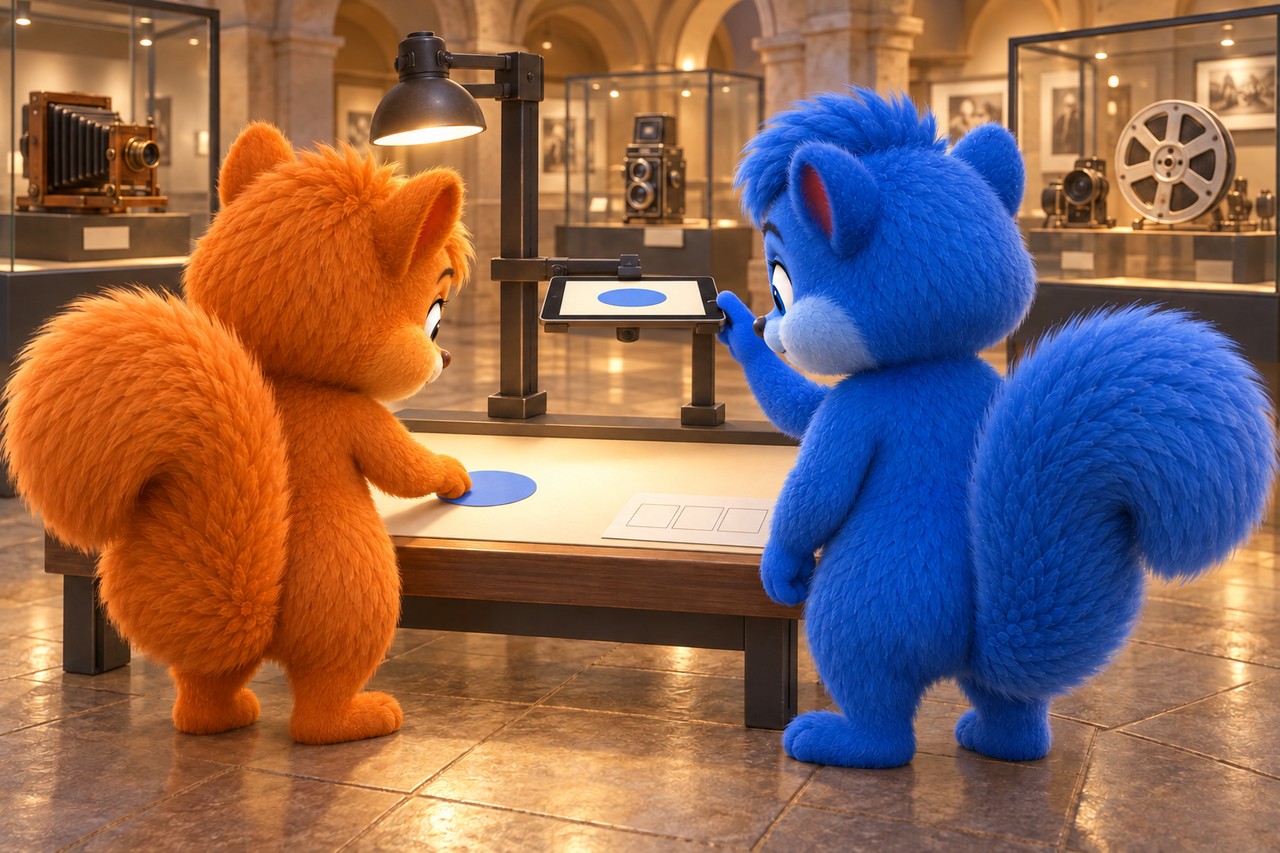
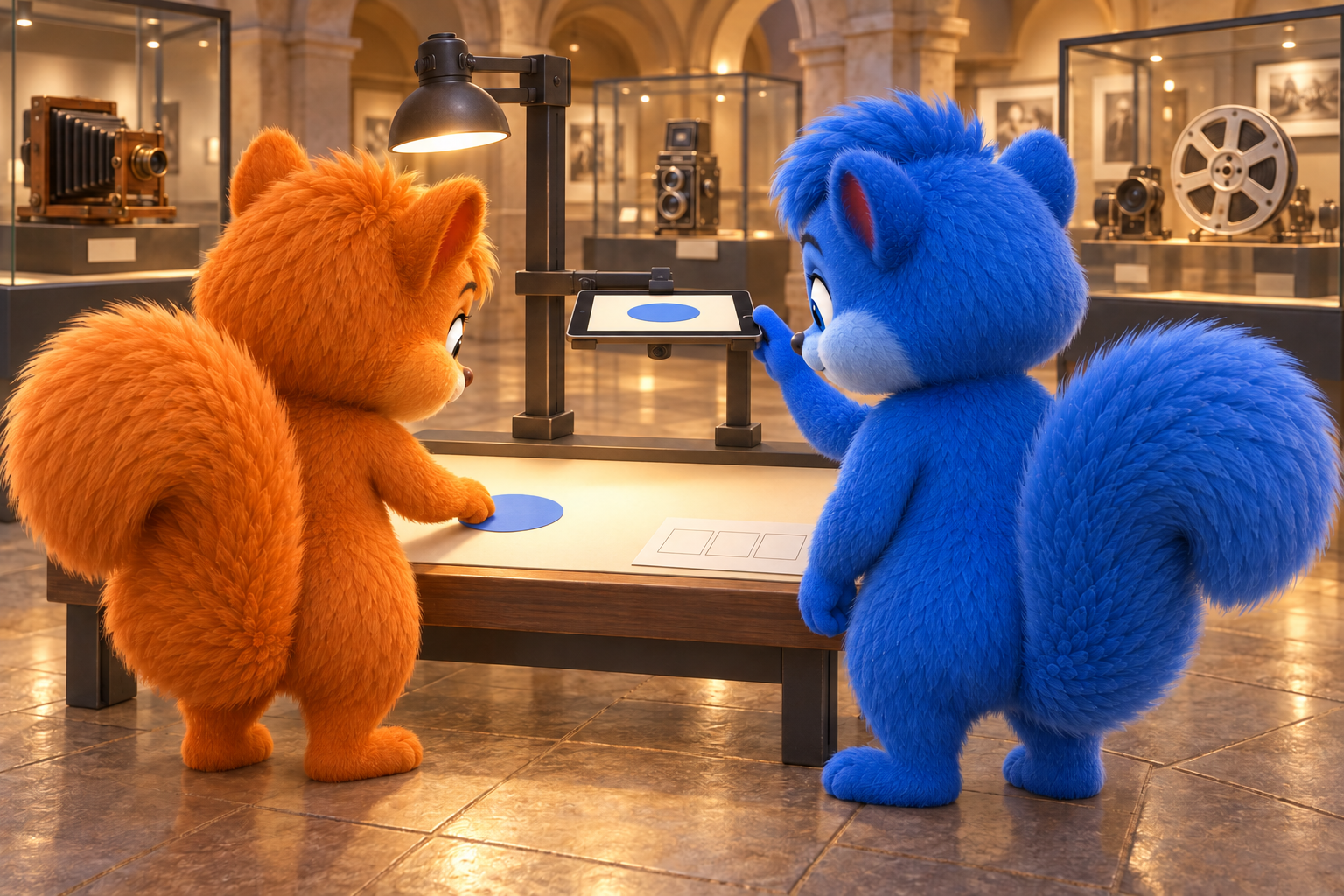
Puschel and Flauschi use an interactive stop-motion museum station with a blue paper circle and a mounted camera. Original learning scene at a permitted museum station. The screen preview is simplified; no finished film. AI-created illustration, not a photograph of nature.
What the diagram shows
The diagram simplifies the process. First compare its shapes and arrows. You can read its labels in larger text below.
Read the picture labels
These are the words and sentences from the diagram above. The full explanation follows below.
- Every picture is shown exactly once
- Frame 1
- Frame 2
- Frame 3
- Frame 4
- Frame 5
- Frame 6
- Six frames at three frames per second: two seconds
- Six frames at six frames per second: one second
- Same sequence, different playback speed.
- Move between photos; remove hands before each photo.
- Keep the camera and light as consistent as possible.
- Original six positions of a paper circle; no finished film.
An imagined Wusel scene
Puschel and Flauschi investigate
Puschel's model suddenly jumps sideways in the film. Flauschi compares the two photos. Small movement steps are missing between them. They add intermediate images and keep the camera steady; replay makes the route clearer.
Look closely
In a museum media gallery, a securely mounted recording device sits above a permitted tabletop. Flauschi moves a blue paper circle. Puschel watches the capture preview. Both stay on the visitor’s side of the interactive station.
An example to help you understand
Our original calculation: six photographs, each shown exactly once as one film frame. At three frames per second the sequence lasts two seconds. At six frames per second the same sequence lasts one second. Move an original paper circle a little for each picture. The diagram shows six selected positions, no finished film or scientific measurement.
Try explaining it
How does stop-motion create apparent movement?
Choose a), b) or c), then explain your choice.
- a)Move the camera instead of the character before each photo, although the character should walk.
- b)Many slightly changed still images are shown in sequence.
- c)Move the figure continuously during one long recording.
Show the explanation
Correct: b): Many slightly changed still images are shown in sequence.
In stop-motion, an object moves a little between photographs. Showing the images quickly in sequence creates the impression of movement. Small regular changes and a steady camera help.
Explore in more detail
Here you will find longer explanations and further details. You can explore them together.
1. Movement from individual pictures
In stop-motion, change an object slightly between individual pictures. A frame is a single film image. Playing the images in order can create an appearance of movement. The object does not move by itself while photographed; we change its position between pictures.
Checked against: [1]
2. Keep the camera still
For a simple introduction, the camera stays in the same position. Otherwise the whole scene may jump during playback instead of just the object. Adults secure the device safely. Plan a short original picture sequence first and check the visible framing.
Checked against: [2]
3. Capture small steps cleanly
Move the object a little, take hands out of the picture, then capture an image. Repeat this sequence. Consistent light helps; accidental changes to the camera, set or lighting can show in the finished film. A short test reveals unexpected jumps or flicker.
Checked against: [3]
4. Playback speed matters
Frame rate describes how many film images are shown per second. With the same image sequence, playback speed changes its duration and the impression of movement. There is no single correct frame rate for every film. Compare settings with a short original test.
Checked against: [1]
An optional question for further exploration
You can use the longer explanation above. This is extra, not needed for the first quiz.
An extra question
Why take hands out of the picture before every photograph?
Discover the answer
Otherwise hands also appear in the individual pictures and may suddenly pop up during playback. In our paper-circle film, only the circle should change. Hands move it between photographs.
Pictures and sources for adults
Sources for further reading
Facts checked against the specialist sources below on 12 October 2026. The Wusel scene is fictional; comparisons and simplified models are explicitly explained. Sources are in English.