Programming and designing games
Clear steps, suitable rules and small tests: an idea gradually becomes a game.
The short answer
A game program might say: if you press the arrow key, the character moves one step right. Precise instructions like these control the game. The computer follows the programmed steps. If the character does something unexpected, we check and improve the instructions.
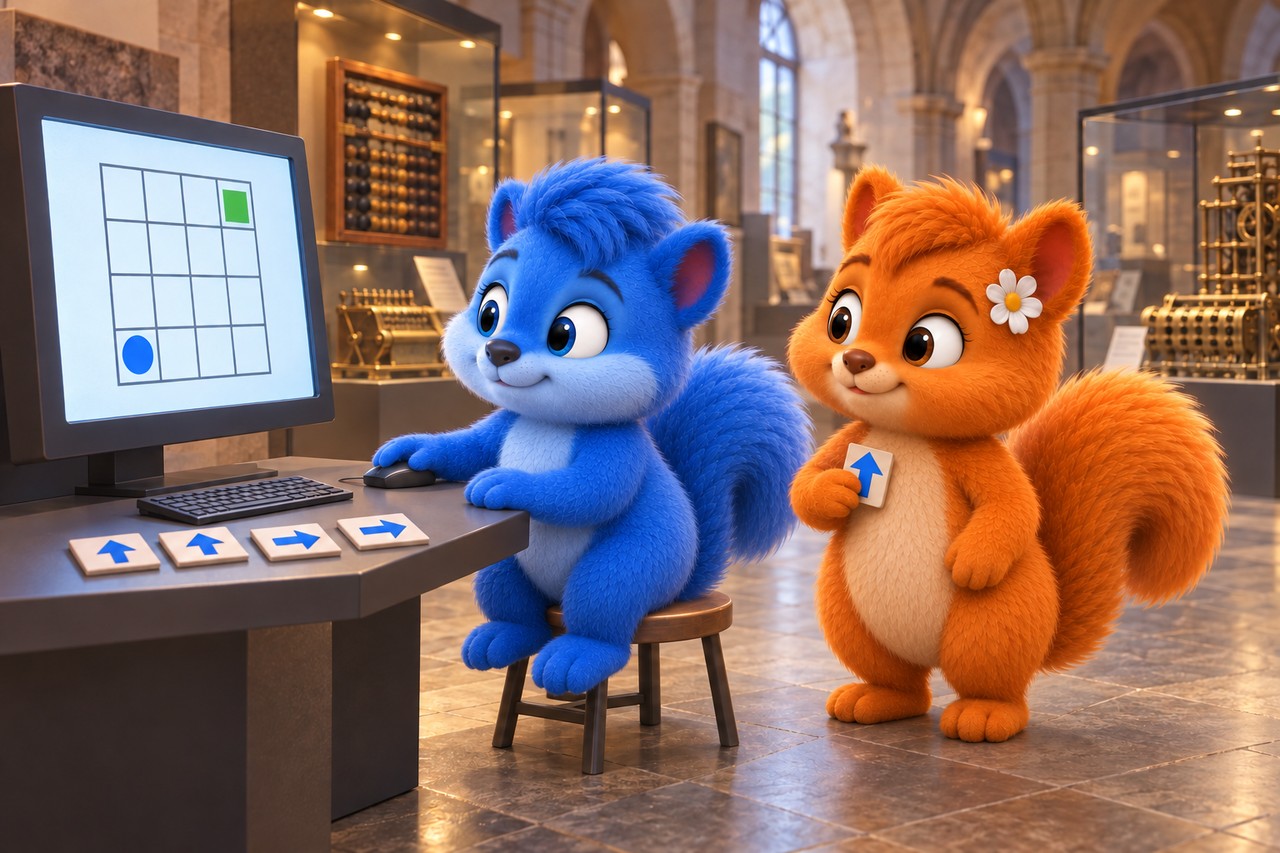
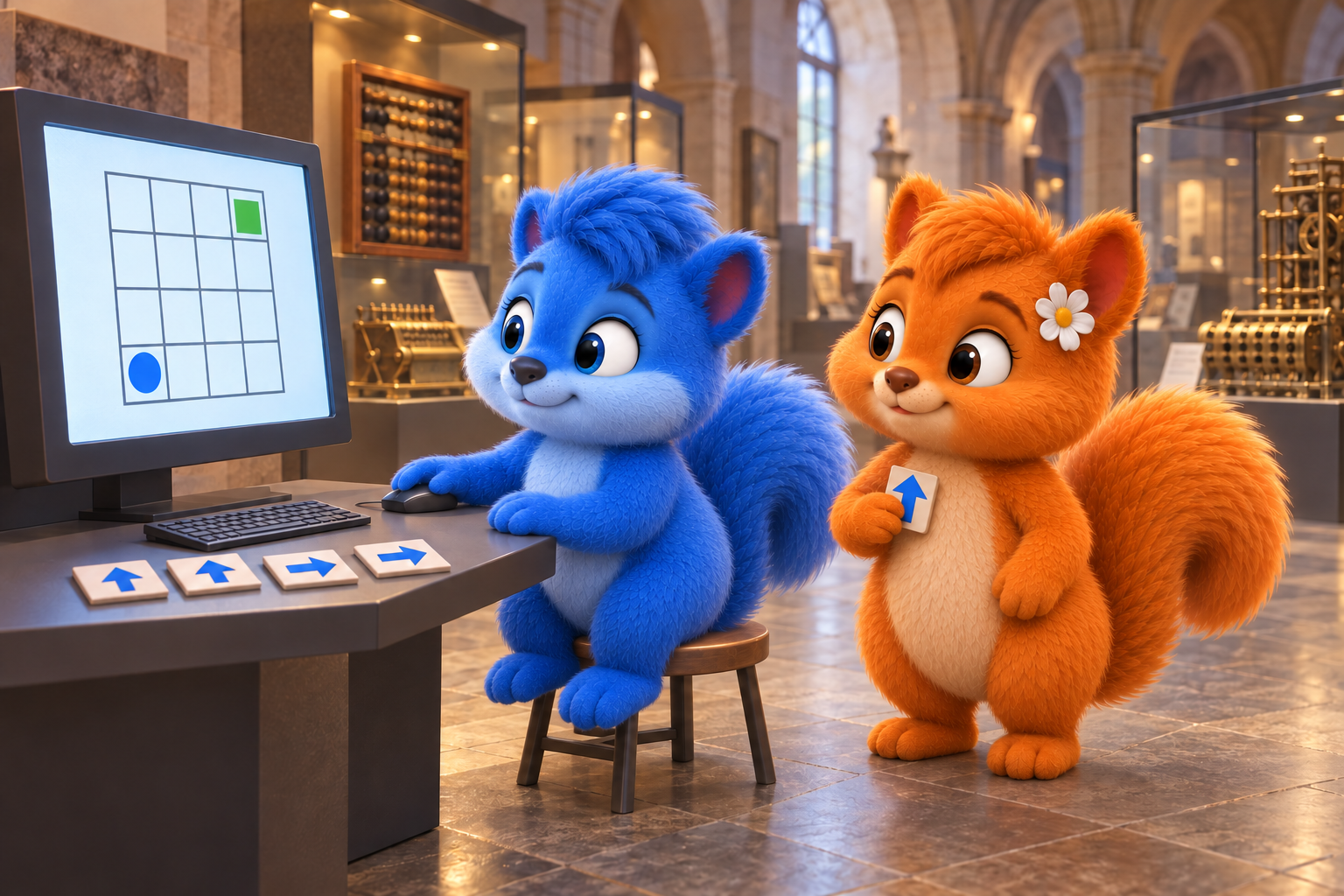
Puschel sits at a computer station in the museum; Flauschi holds an arrow card while examining a simplified game grid. Original learning scene with a symbolic screen and individual command cards; no exact software view or complete command sequence. AI-created illustration, not a photograph of nature.
What the diagram shows
The diagram simplifies the process. First compare its shapes and arrows. You can read its labels in larger text below.
Read the picture labels
These are the words and sentences from the diagram above. The full explanation follows below.
- Same start, clear steps
- Start: bottom left
- One square right, three times
- One square up, three times
- Target: top right
- Target reached? Check!
- The arrows refer to the paper.
- Before every test, restart at the bottom left.
- Compare expected and actual results.
- Original paper program; the grid, route and start are specified.
An imagined Wusel scene
Puschel and Flauschi investigate
Puschel writes “Go to the goal” for the game character. Flauschi plays the computer and asks for a direction at the first junction. They break the wish into clear steps. Next time they find where a condition is still missing.
Look closely
Puschel sits attentively at a permitted computer station in the technology museum. Flauschi stands beside him holding an arrow card. A simplified screen grid and more cards on the desk represent game ideas and individual instructions.
An example to help you understand
Our original paper model has four rows and four columns. A circle starts at the bottom left; the target is at the top right. Sequence: set the start; move one square right three times; move one square up three times; check whether the target is reached. All arrows refer to the paper, not a Wusel’s viewing direction. Test with a finger and restart each attempt at the bottom left.
Try explaining it
How do we check whether a game program’s instructions work as planned?
Choose a), b) or c), then explain your choice.
- a)Change the instructions without trying the new result.
- b)Only describe the desired result without checking the procedure.
- c)Test instructions and compare results.
Show the explanation
Correct: c): Test instructions and compare results.
A game program might say: if you press the arrow key, the character moves one step right. Precise instructions like these control the game. The computer follows the programmed steps. If the character does something unexpected, we check and improve the instructions.
Word help
- algorithm
- A planned sequence of clear steps to solve a task.
Explore in more detail
Here you will find longer explanations and further details. You can explore them together.
1. A sequence of clear instructions
An algorithm is a sequence of planned steps to solve a task. Their order matters. A program expresses instructions in a programming language. A loop repeats steps: “Repeat three times: one square to the right” replaces three identical individual commands in our paper example.
2. A condition decides
A condition is a statement that is true or false. “If the character has reached the target square, show success; otherwise the game continues.” Rules can choose an appropriate path. The program cannot guess the rule: we specify when and how it is checked.
Checked against: [2]
3. Plan a small game
For a game, consider what players can do and what their goal is. In Scratch, for example, a ball, its movement and a controlled paddle can gradually become a game. Original characters and rules may differ. Implement a small idea first, then extend it deliberately.
Checked against: [3]
4. Test and find mistakes
Debugging means finding and fixing errors in a program. Compare expected and actual behaviour, explain instructions step by step and test small pieces separately. Starting values may need resetting for a restart. Test again after a change instead of changing many things at once.
Checked against: [4]
An optional question for further exploration
You can use the longer explanation above. This is extra, not needed for the first quiz.
An extra question
Why put the character at the same starting square before every test?
Discover the answer
To compare the same initial situation. Starting elsewhere can make the same command sequence produce a different result. A clear start helps find errors and check changes.
Pictures and sources for adults
Sources for further reading
Facts checked against the specialist sources below on 12 October 2026. The Wusel scene is fictional; comparisons and simplified models are explicitly explained. Sources are in English.