Access for Everyone
How can blind people read?
The short answer
Blind people can access text in different ways. Braille uses raised dot patterns. A screen reader can output digital text as speech or through a Braille display. People use different approaches. Some people with sight loss also read enlarged or high-contrast print.
See how it works
Picture 1 shows a classic Braille cell. Only the dark top-left dot is raised: the letter a. Later pictures show reading methods, not words to decode.
1. Feel the dots
A traditional Braille cell has six possible dot positions: two columns of three. Raised positions form its pattern. Readers feel the dots rather than guess a little picture.
2. Learn patterns
A particular pattern can stand for a letter. Rules and signs also represent numbers and other content. Braille needs learning, just like printed writing.
3. Output digital text
A screen reader processes accessible digital content. It can speak it or drive a Braille display. Small pins change height to form tactile characters.
4. Make access possible
Headings, clear labels and text alternatives for informative images help digital access. Text inside a picture is not automatically readable without a suitable text version. The person can say which support suits them.
An imagined Wusel scene
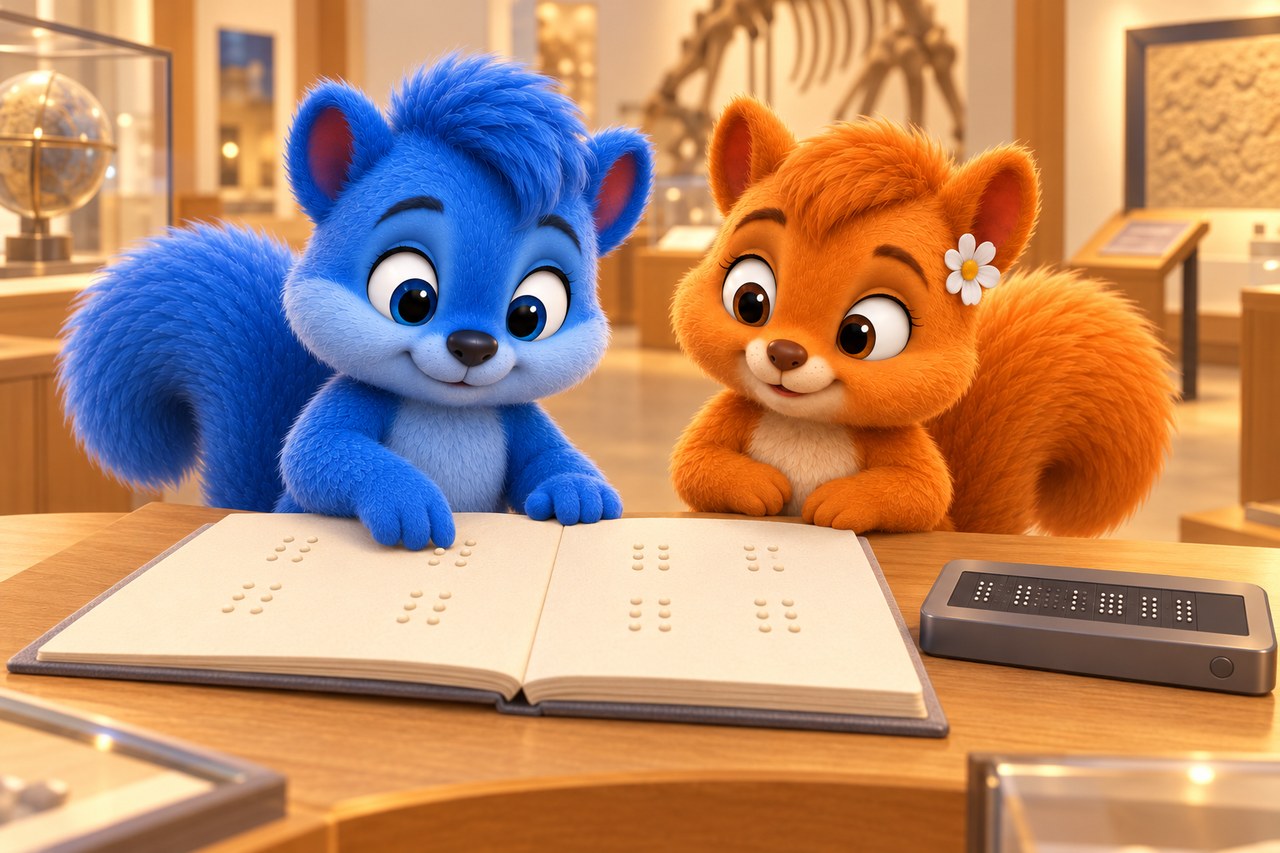
Puschel and Flauschi investigate
At the museum, Puschel gently feels a dot panel and tries to guess its shape. Flauschi shows the agreed patterns. Learning their meanings turns the panel into writing rather than a guessing game.
Word help
- Braille
- Writing made of tactile dot patterns.
- Screen reader
- Software making digital content available through speech or Braille output.
Your activity
Make a large paper grid with two columns and three rows. Mark only the top-left point for a simple Braille a. Compare it with a reliable Braille chart. A large model does not replace genuine tactile writing.
Quiz: understand the idea
What distinguishes Braille from random dots?
Choose a), b) or c), then explain your choice.
- a)The dots always trace the shape of the printed letter.
- b)Every character has the same pattern; only spacing matters.
- c)Agreed patterns and rules give the characters meaning.
Show the explanation
Correct: c): Agreed patterns and rules give the characters meaning.
Braille is a writing system with learnable agreed signs. Touch without knowing them does not automatically reveal text.
Try a new example
A website puts an important explanation only in an image. What can improve access?
Choose a), b) or c), then explain your choice.
- a)A suitable text alternative conveying the information.
- b)A new heading without explaining the image content.
- c)A larger image file without an additional text version.
Show the explanation
Correct: a): A suitable text alternative conveying the information.
Text alternatives make the important information available without the image. Automatic image recognition is not a reliable replacement for a good text version.
Word help
- cell
- A tiny living unit. Living things are made of cells.
Explore in more detail
Here you will find longer explanations and further details. You can explore them together.
More to discover
Six dots and eight
Traditional basic Braille uses six possible dot positions. Digital computer Braille also uses eight. Our example explains only a basic six-dot cell, not the whole writing system. Not every blind person reads Braille.
Pictures and sources for adults
Sources
Museum scene: AI-generated illustration, checked separately from the factual diagram. The diagrams simplify the process. Editorial source check: 19 October 2026.